Select Date for Historical View of TSDB Dialog

The Select date for historical view of TSDB dialog is displayed when the Historical option is selected from the Open TSDB view as dialog.
This dialog allows the user to specify the historical version to display.
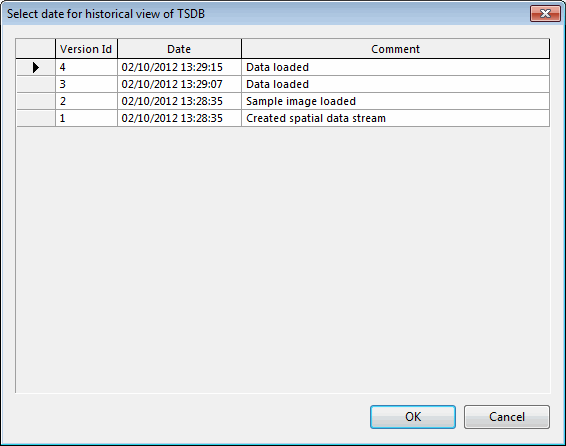
Select the historical version to display in the grid by clicking on its Version Id cell.
Click on OK to commit the changes and display the historical version for the TSDB.